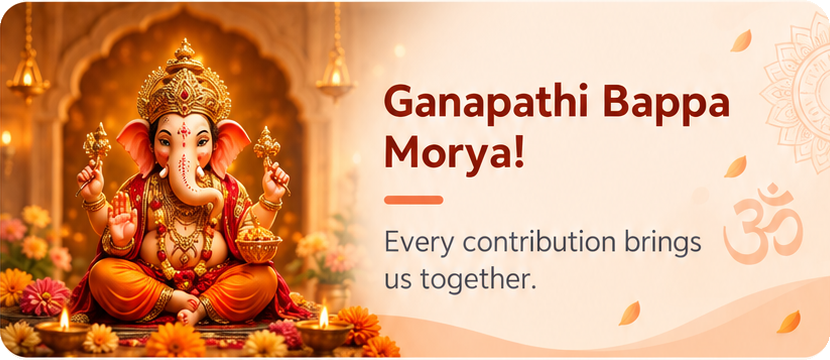
GANESH
Ganesh Mandapam
Organise Ganesh celebrations, donations and the people who make them possible.
COLLECT · MANAGE · TOGETHER
Chanda BOOK helps Ganesh and Durga Puja / Dasara committees manage chanda collections, sponsor gifts, expenses, members and digital receipts. Keep each Mandapam’s records together, from the first contribution to the final celebration.
Made for Android · English, हिन्दी & తెలుగు · By RockeshTech
ONE APP · TWO CELEBRATIONS
Choose the festival when creating a Mandapam. Each group keeps its own committee, contributions, expenses, sponsors and festival-themed receipts.
Organise Ganesh celebrations, donations and the people who make them possible.
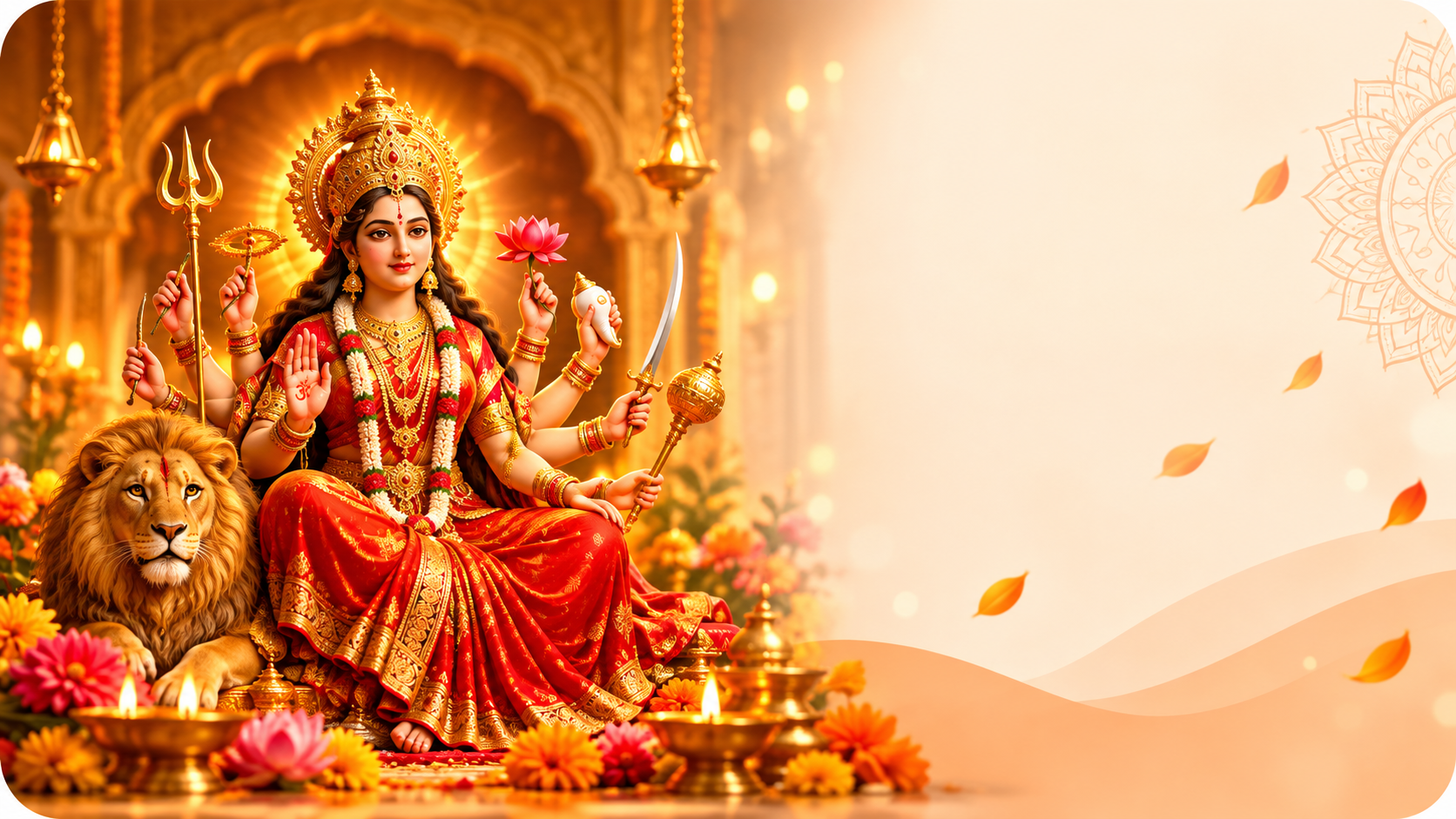
Bring your Durga Puja committee, sponsor gifts, expenses and receipts into one clear view.
Festival artwork follows the selected Mandapam. The Chanda BOOK app name and icon remain the same.
ONE APP. EVERYDAY CLARITY.
Connected tools for contributions, people and the details that matter.
Record donor details, payment methods, dates and notes so every contribution is easy to find.
Record cash and physical-goods donations in Add Chanda. Manage sponsored idols, lights, decorations and other gifts in the separate Sponsor Gifts section.
Record categories, vendors and payment details. Follow approvals and keep supporting bills for reference.
Bring registered members into your Mandapam using their member ID or saved Indian mobile number.
Assign Member, Collector, Treasurer and Admin roles, with permissions for the work each person needs to do.
Create donation receipts with your Mandapam heading, festival artwork and configured President and Vice President details.
Share receipt images through Android’s share menu, including WhatsApp when installed. Caption behaviour depends on the receiving app.
Print through compatible, paired ESC/POS Bluetooth Classic printers, with 58 mm and 80 mm print-width options.
Review collections, approved expenses, balances and trends. Export reports to share a clear financial picture.
Post updates for your group and read them in the app’s announcement inbox. Posting depends on your permissions.
Choose your preferred app language in settings. Member names and other information you enter stay as entered.
Find in-app user guides and FAQs for accounts, members, receipts, reports and other everyday tasks.
GET STARTED IN A FEW STEPS
Sign in with Google or email. Verify your email when required and complete your profile.
Add your Mandapam details or ask an administrator to add your registered account.
Add donations and expenses, generate receipts, and keep your team informed.
A LOOK INSIDE CHANDA BOOK
Illustrative UI previews with sample data—not live accounts or actual app screenshots.
Overview of your Mandapam
Sample data · Last 7 days
ROOM TO GROW
Create up to two Ganesh or Durga Puja Mandapams in any combination. Collect donations, track expenses and keep each group’s records together.
Get started →Create up to ten Mandapams across Ganesh and Durga Puja. Current pricing, entitlements and renewal details are shown before purchase through Google Play.
Explore plans in the app →Plan availability and limits are governed by the current in-app offer. Members do not need to buy an owner’s plan to join. Manage subscriptions separately through Google Play.
HELP & GUIDE
Open Help & Guides inside Chanda BOOK for detailed walkthroughs.
Ask the person to register first. In Add Member, use their member ID or the 10-digit Indian mobile number saved on their account. The app adds +91.
Open a donation, choose View / Share Receipt, then select WhatsApp from the Android share menu. Check the recipient and receipt before sending.
Verification protects your account. Open the link sent to your email, then return to the verification screen to continue.
The app restores a valid Firebase session automatically. If the network is unavailable, retry the connection without entering your password again.
Use Delete Account. Verify ownership and explicitly confirm permanent deletion. Google Play subscriptions must be cancelled separately.
Visit Contact & Support or email support@rockeshtech.shop. Never send passwords or verification codes.
RECOMMENDED THERMAL PRINTER SETUP
Look for a printer explicitly supporting ESC/POS over Bluetooth Classic. Choose 58 mm / 384 dots for compact receipts or 80 mm / 576 dots for a wider layout.
Pair it in Android Bluetooth settings, allow the requested Bluetooth permission, then select it on the app’s print screen.
Ask about compatibility →No individual printer model is certified here. Compatibility varies; test with Chanda BOOK before relying on it.
YOUR NEXT CELEBRATION, ORGANISED
Download Chanda BOOK for Android.
See all features →Questions? We’re here to help.
support@rockeshtech.shop ↗